Windows app
Your full vault on a big screen. Installs and updates automatically through the Microsoft Store.
Coming soon toMicrosoft Store
- System
- Windows 10 / 11, 64-bit
- Version
- 1.0.0
Download
Start on your phone, then add your computer and browser — they’re included with your purchase.
Start here
Your purchase unlocks the phone app, the Windows app and the browser extension.
Your full vault on a big screen. Installs and updates automatically through the Microsoft Store.
Autofill and save logins as you browse. Works in Chrome, Edge, Brave and Opera.
Brave and Opera install from the Chrome Web Store.
Activate
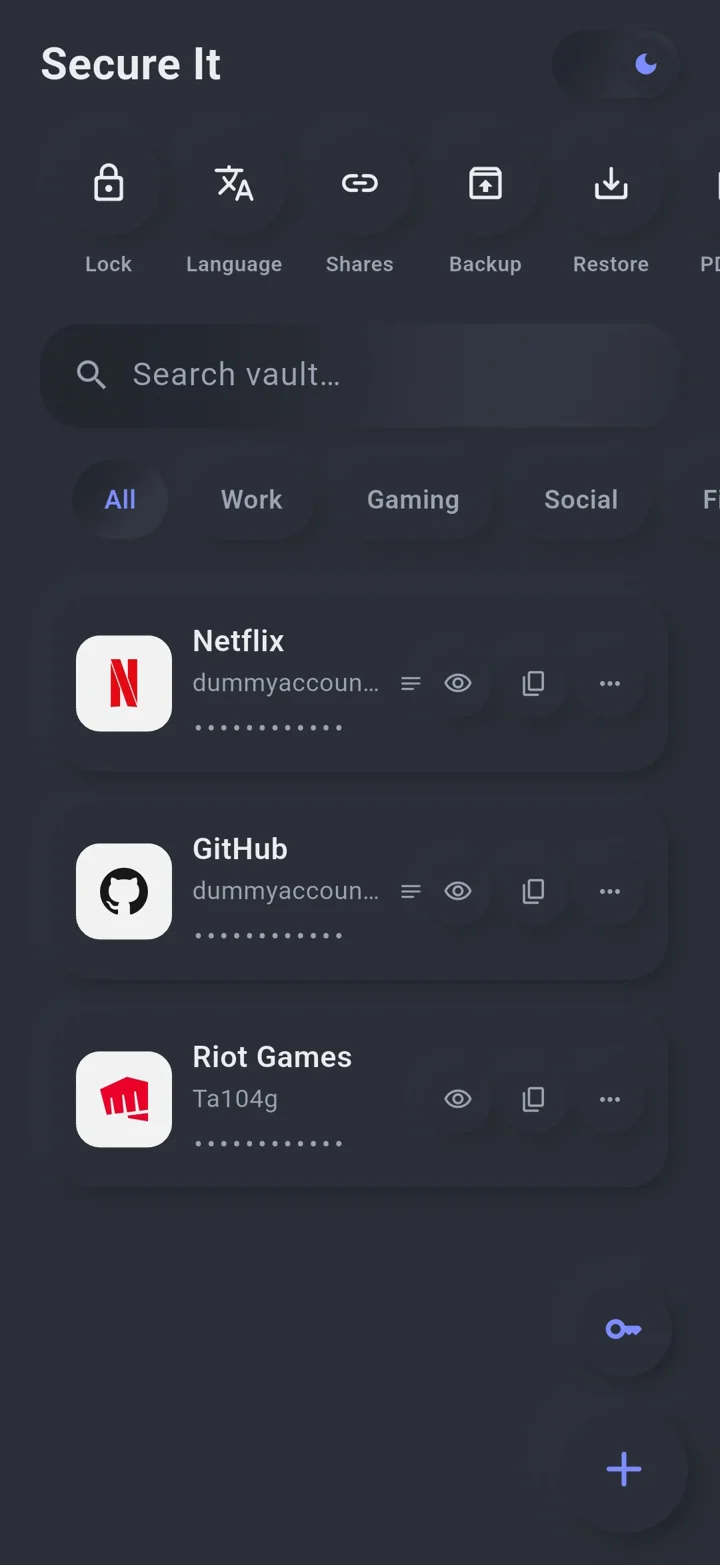
Install Secure It from Google Play and create your vault.
Settings → Google Drive. Link the Google account you want to use everywhere.
Settings → Activate. Your licence is saved to your own Drive, next to your vault.
Open the Windows app or extension and link the same Google account. Everything unlocks.
Make sure you linked the same Google account on your phone and computer, then open Secure It on your phone once — it renews your licence automatically.
Link the new account on your phone and tap “Activate” again. Each phone can activate up to two accounts every 90 days.
No. One purchase on Google Play includes the Windows app and the browser extension.
More questions? See the FAQ.