Autofill in your browser
A key icon appears in login fields. One click, and Secure It fills it. New logins are offered for saving automatically.
Zero-knowledge password manager
Secure It encrypts your vault on your device and syncs it through your own Google Drive. No company servers — not even ours.
MOVE YOUR CURSOR OVER THE VAULT
Is this you?
Texted to yourself. Scribbled in notes. Saved as contacts that aren't people. And every login still ends in “forgot password”.
Your own Google Drive
Your vault is locked with AES-256-GCM using a key derived from your master password with Argon2id — before anything leaves the device.
Sync uploads one encrypted file, vault.enc, to your Drive. The app can only see files it created — never the rest of your Drive.
Google stores gibberish. We run no servers and never see your data. Without your master password, nobody can open it.
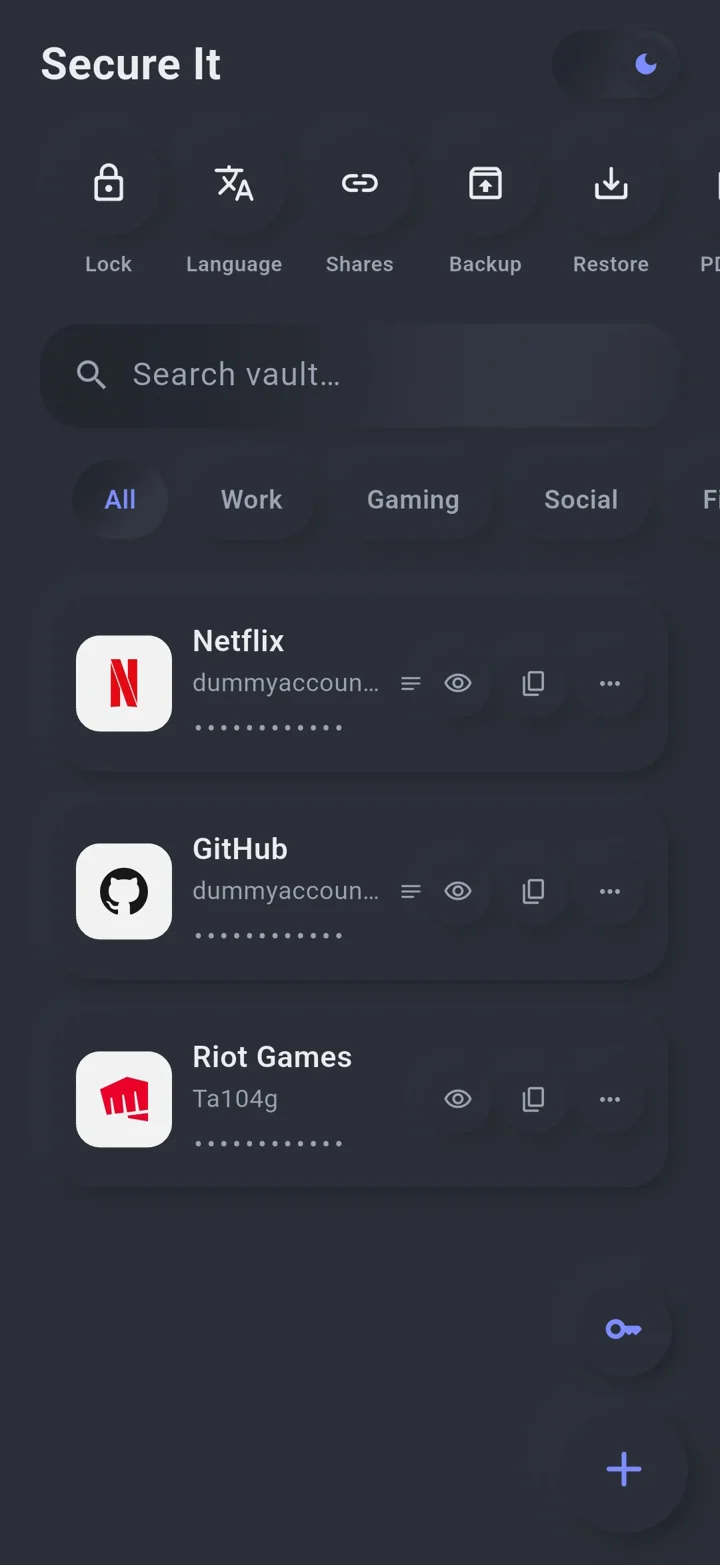
Netflix
dummyaccount@gmail.com · ••••••••
••••••••••••••••••••••••••
vault.enc
encrypted
Your Google Drive
My Drive › Secure It
WHAT ANYONE ELSE SEES · vault.enc
••••••••••••••••••••••••••••••••••
••••••••••••••••••••••••••••••••••
Everywhere you log in
Change a password on your phone and it's already on your computer and in your browser — synced through your Drive, end-to-end encrypted.
YOUR GOOGLE DRIVE
ANDROID · IOS
Fingerprint unlock, autofill-ready vault, the full app.
○ HOVER TO SYNC
WINDOWS 10 / 11
The same vault on a big screen, from the Microsoft Store.
○ HOVER TO SYNC
CHROME · EDGE · BRAVE · OPERA
Fills your logins and saves new ones as you sign in.
○ HOVER TO SYNC
Everything you need
A key icon appears in login fields. One click, and Secure It fills it. New logins are offered for saving automatically.
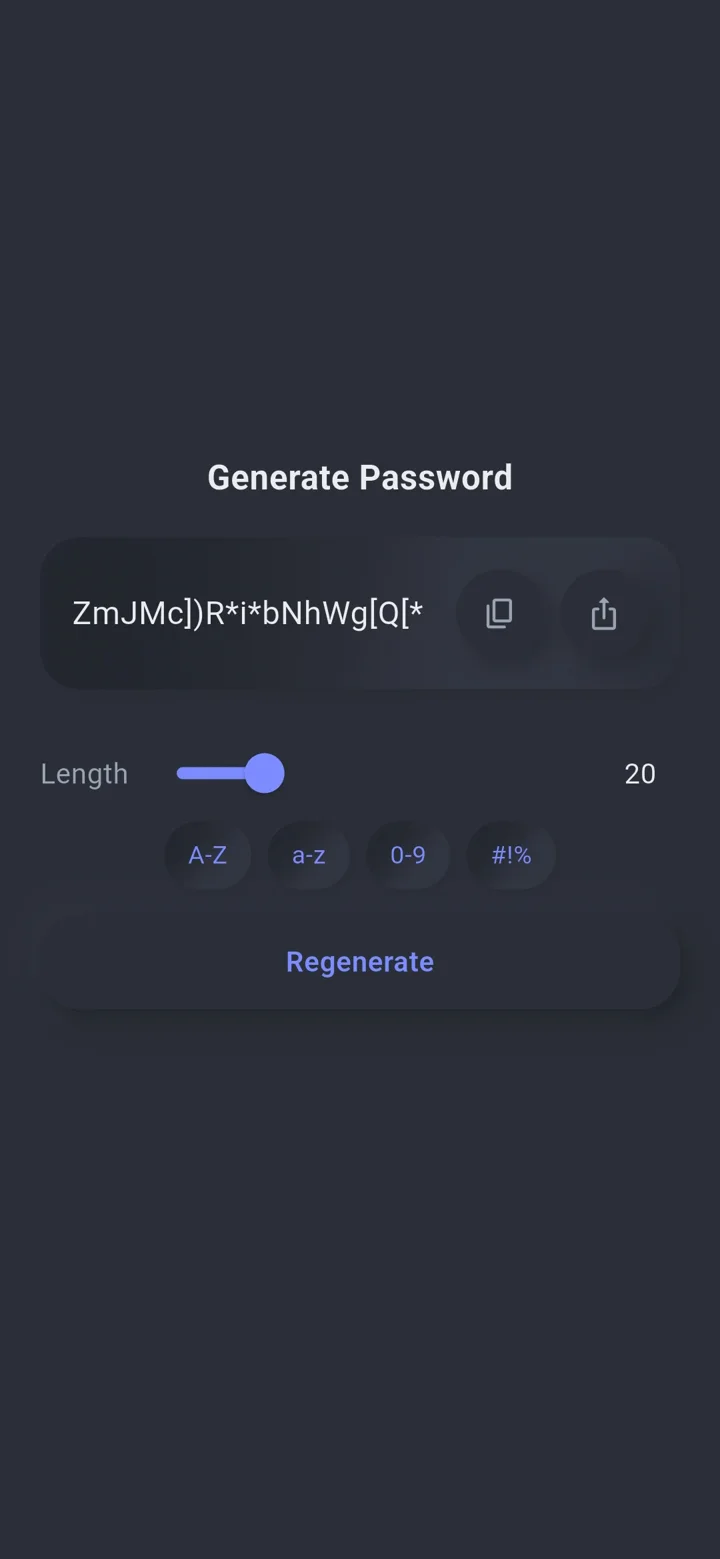
Pick the length and characters; never reuse a password again.
k9#Tq!vR2}xW&m7Lp@Zf
VERY STRONG · 20 CHARS
Export a CSV from Chrome, Edge, Brave, Opera or Firefox and bring everything in at once.
Passwords stay hidden until you verify — and hide again after 15 seconds.
Copied passwords are cleared after 45 seconds.
Work, gaming, finance — organise logins your way and find any in three letters.
Send a login securely. The link dies after 15 min, 1 h, 24 h or 7 days — with an optional passphrase.
A 12-word recovery phrase and an Emergency Kit PDF — even recoverable without the app.
English, العربية, Deutsch, Español, Français, 日本語, 한국어 and more.
75 seconds
One price
Buy Secure It once on Google Play. The Windows app and the browser extension are included — no subscription.
Buy once on Google Play
Set up your vault on your phone.
Tap “Activate desktop & extension”
Your licence is saved to your own Drive.
Sign in on your computer
Same Google account — everything unlocks.
Your passwords. Your Drive. Only yours.